
Table of Contents
ToggleUnderstanding the Importance of Proper Scanning
When preparing documents for certified translation, the quality of the scanned images plays a crucial role in ensuring acceptance by authorities such as USCIS. Poorly scanned documents can lead to rejections, delays, or additional requests for information. Therefore, knowing the best scan settings for certified document translation is essential.
Optimal Scan Settings
1. Resolution: 300 DPI
For most certified translations, scanning at a resolution of 300 DPI (dots per inch) is recommended. This setting provides a clear and detailed image, making it easier for translators to read and accurately interpret the text. Higher resolutions may result in larger file sizes without significant benefits, while lower resolutions can compromise clarity.
2. File Format: PDF
Saving scanned documents as PDF files is ideal for maintaining formatting and ensuring compatibility with various software. PDFs preserve the layout, making them easier to work with during the translation process.
3. Color Settings: Black and White
Unless color is essential for understanding the document (such as in the case of colored stamps or seals), scanning in black and white is often sufficient. This reduces file size and enhances readability.
4. Cropping and Orientation
Ensure that the scanned document is properly cropped to eliminate any unnecessary borders or backgrounds. Additionally, the document should be oriented correctly, with text appearing upright. This helps avoid cropped stamp issues that could lead to confusion or rejection.
Mobile Scanning Apps for Immigration
For those who prefer scanning documents on-the-go, several mobile scanning apps can help achieve high-quality scans. Here are a few popular options:
- Adobe Scan: Offers automatic text recognition and saves scans as PDFs.
- CamScanner: Provides various editing tools and allows for easy sharing.
- Microsoft Office Lens: Integrates well with Microsoft Office products and saves documents directly to OneDrive.
PDF Clarity Tips
To ensure the clarity of your scanned PDFs, consider the following tips:
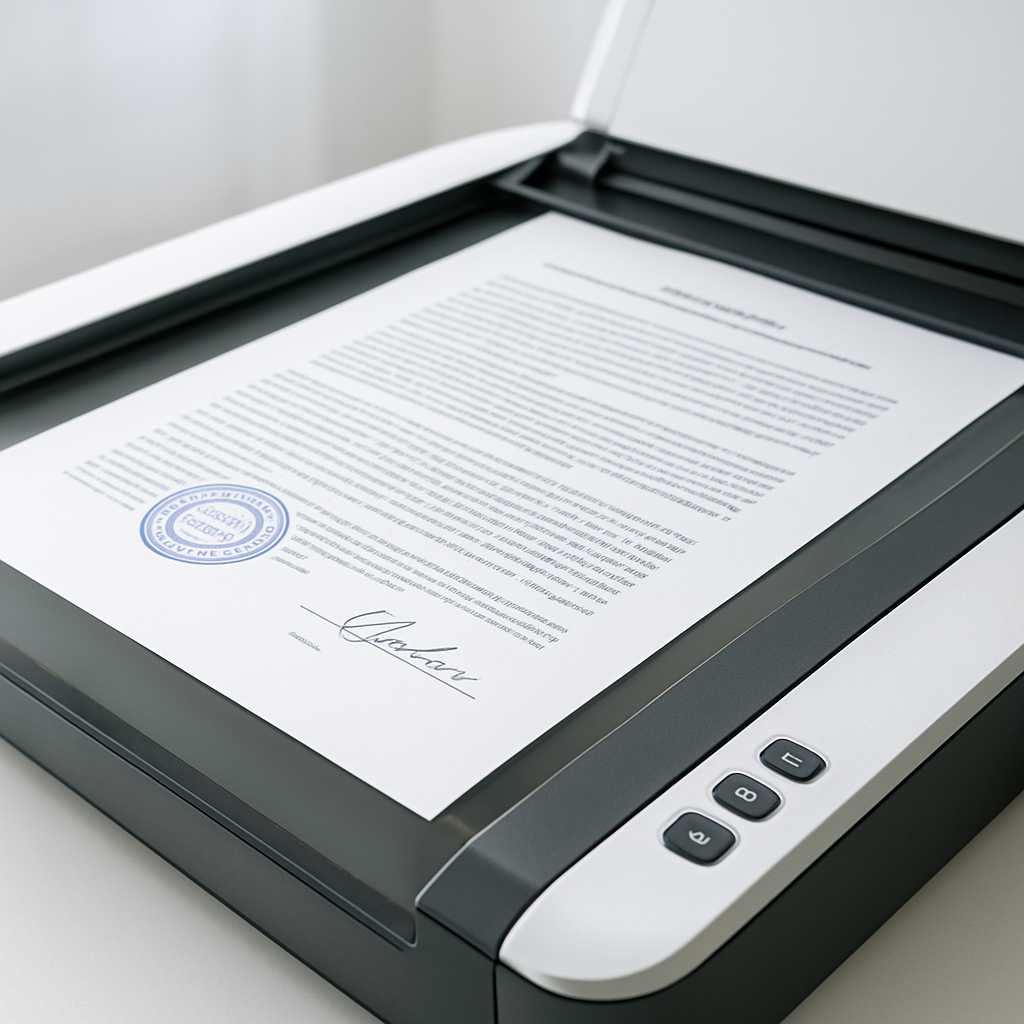
- Use a flatbed scanner for the best results.
- Clean the scanner glass before use to avoid smudges.
- Adjust brightness and contrast settings if necessary to enhance readability.
Conclusion
By following these guidelines and utilizing the best scan settings for certified document translation, you can significantly reduce the risk of document rejection. Properly scanned documents not only facilitate a smoother translation process but also ensure compliance with immigration requirements.
FAQs
What is the best DPI for scanning documents for translation?
The best DPI for scanning documents for translation is 300 DPI, as it provides clear and detailed images.
Can I use a mobile app to scan documents for translation?
Yes, mobile scanning apps like Adobe Scan and CamScanner can be used to create high-quality scans suitable for translation.
Why is black and white scanning recommended?
Black and white scanning reduces file size and enhances readability, making it easier for translators to work with the documents.
How do I avoid cropped stamp issues in scanned documents?
Ensure that the document is properly cropped and oriented before scanning to avoid any cropped stamp issues.
What file format should I use for scanned documents?
PDF is the recommended file format for scanned documents, as it preserves formatting and layout.
