
Best Doc Translator
Looking for the best doc translator that’s fast, accurate, and accepted for official use? USCIS Official Translation combines powerful document translation software with expert linguists to deliver polished, ready-to-submit translations—across PDFs, Word, PowerPoint, Excel worksheets, and more. Whether you need an instant draft for quick understanding or a certified, human-verified version for immigration, academic, legal, or healthcare use, we’ve got you covered.
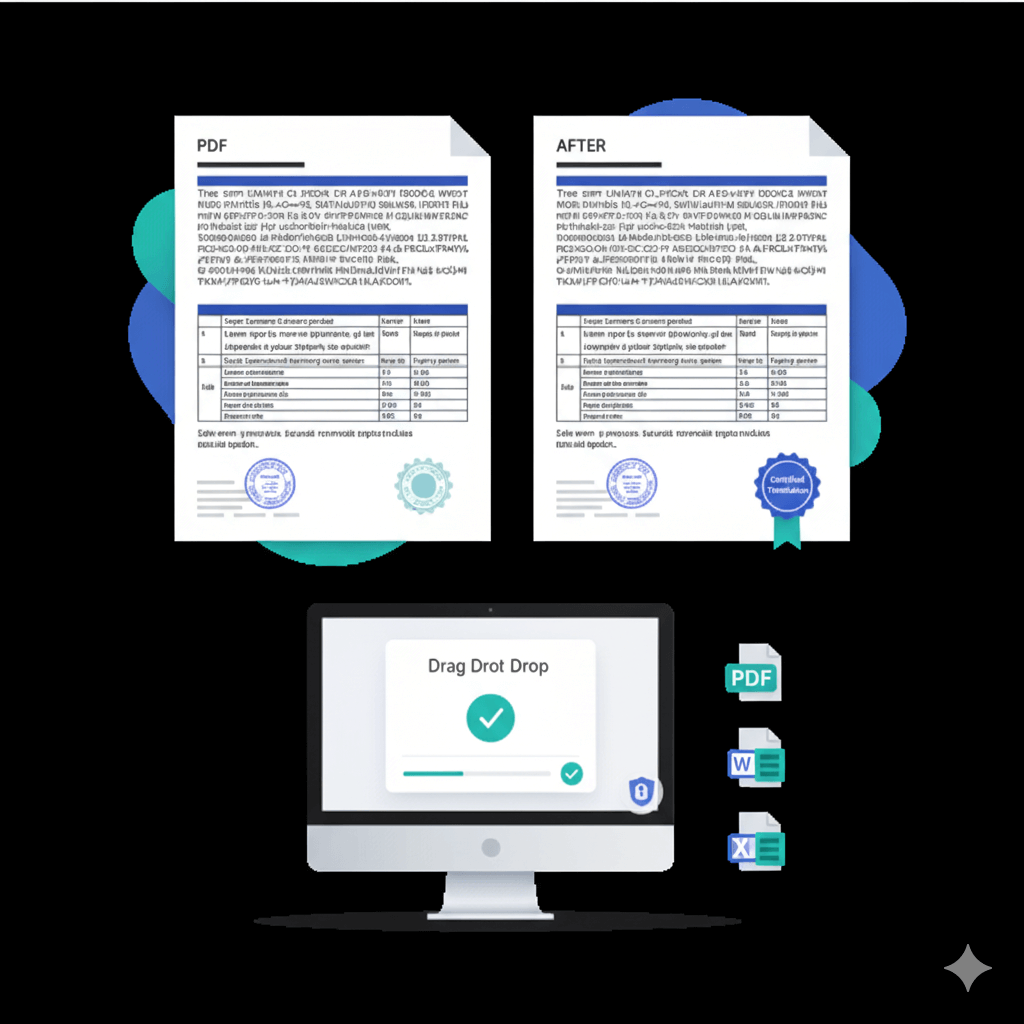
Why USCIS Official Translation is the best doc translator for real-world documents
Human-verified accuracy: Professional linguists review, format, and quality-check every certified order.
Formatting preserved: Complex layouts, tables, stamps, and seals reproduced clearly in the target language.
Works with the files you use daily: PDFs, .doc/.docx, .ppt/.pptx, .xls/.xlsx, .txt, and subtitle files—ideal for worksheet translate needs and multi-sheet Excel workbooks.
Security first: Encrypted file transfer, NDA on request, strict access controls, and documented data-handling procedures.
Official acceptance: Certified translations delivered with a Certificate of Accuracy that meets common immigration and government filing expectations in the US (and is widely accepted by institutions).
What “best doc translator” really means (and why tools alone aren’t enough)
Pure software tools can be ideal for speed and drafts, but they don’t guarantee compliance, nuanced terminology, or complex formatting under deadline. For example, well-known tools focus on instant file conversion and wide format support—handy for quick reads—yet they don’t supply human QA or a certification statement required by many organisations.
At USCIS Official Translation, you get the best of both:
Instant pre-translation for speed; 2) Expert linguist review for accuracy, formatting, and tone; 3) Certification when you need official acceptance.
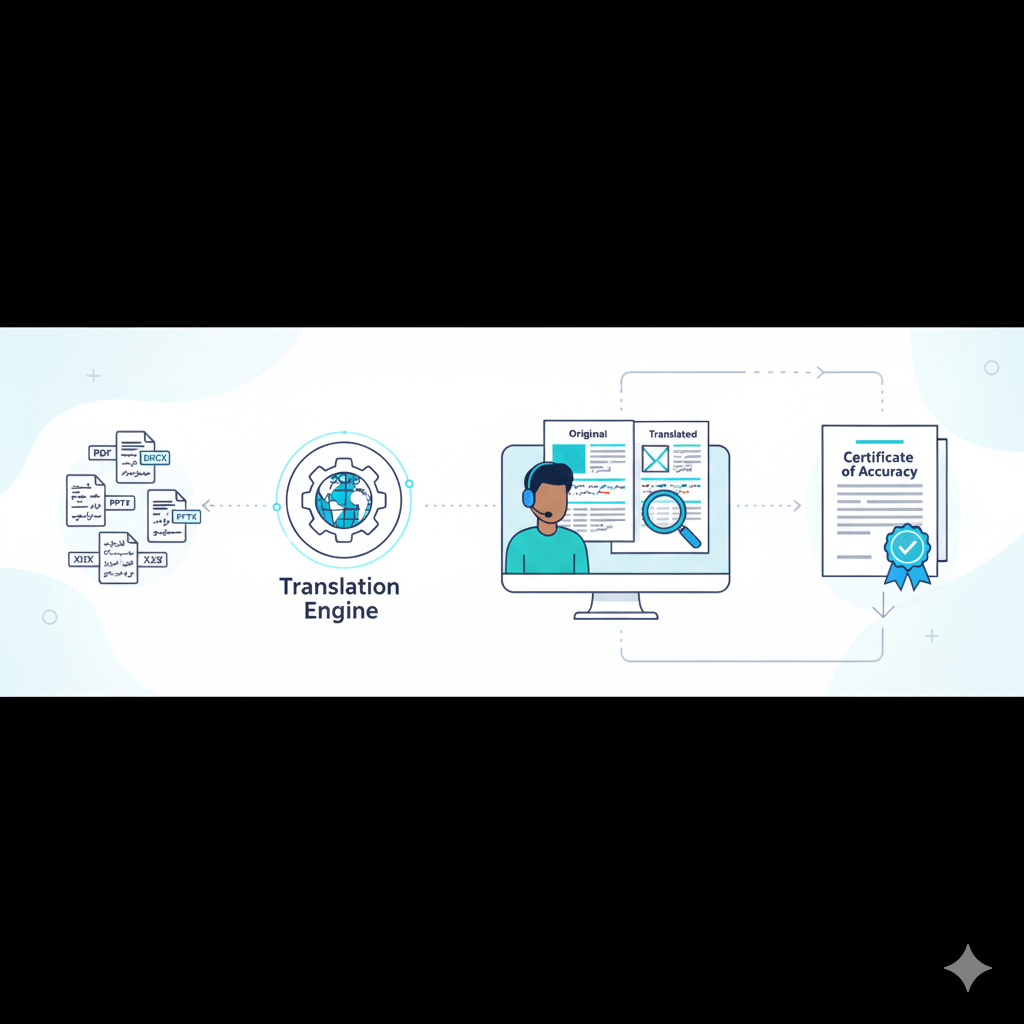
Supported documents & use cases
File types we handle (for “document translation software” and “document translator app” searches)
Textual & office documents: PDF, Word (.doc/.docx), PowerPoint (.ppt/.pptx), Excel (.xls/.xlsx) — worksheet translate ready.
Plain text & subtitles: .txt, .srt.
Designs & visuals: We retain text layers and layout where supplied and return a clean, production-ready document.
Many popular tools highlight broad file support (PDF, Word, PPT, TXT, and more) and layout preservation. Our service adds human QA and certification on top of these capabilities so your files are ready to submit.
When to choose certified vs non-certified translations
Certified translations (with Certificate of Accuracy) are typically required for immigration, legal, academic, and official submissions. The translator certifies the translation is complete and accurate and that they are competent in both languages—wording reflected in US federal practice and the USCIS Policy Manual.
Non-certified translations are ideal for internal understanding, drafts, or informal use.
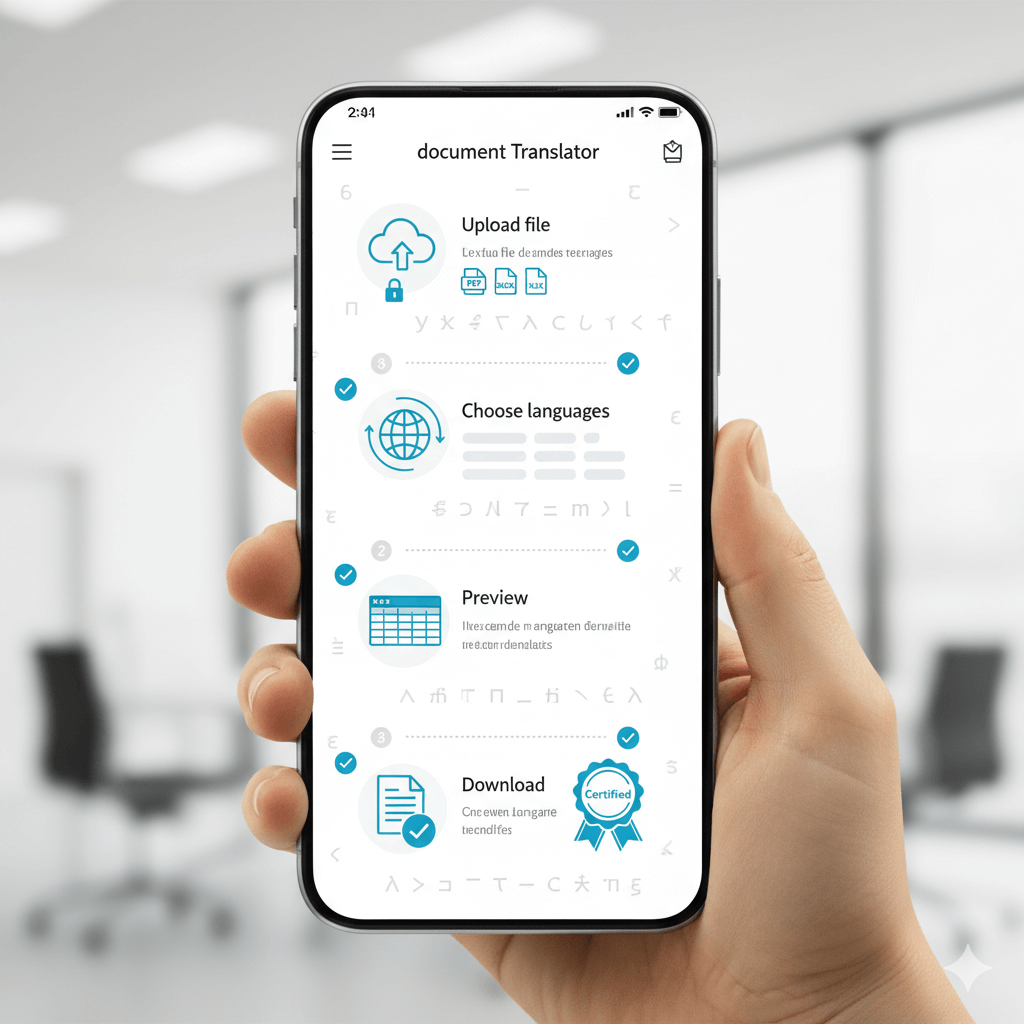
How it works (simple, fast, reliable)
Upload your file (PDF, Word, Excel, PPT, TXT, SRT).
Instant assessment & turnaround estimate.
Hybrid translation: software-assisted speed + expert linguist editing.
Formatting & QA: tables, numbering, stamps, and seals reproduced clearly.
Delivery: download your translated file; add Certificate of Accuracy when required.
Competitive snapshot (why clients choose us)
Canva’s document translator is convenient inside design workflows and touts broad language coverage, but it’s not built for formal certification or complex compliance.
DeepL supports popular document formats and high-quality MT, yet you still need human QA and certification for official use.
OnlineDocTranslator emphasises layout preservation and broad format support; again, no certified human sign-off.
Pairaphrase publishes helpful feature round-ups for enterprise teams; our service focuses on done-for-you delivery with certification and domain experts.
Bottom line: If you need a best doc translator for official filings and professional outcomes—human verification and certification matter.
Pricing & turnaround
Transparent quotes per page/word, with rush options.
Volume support for enterprise and regular submissions.
Fast delivery windows available upon request.
FAQs
What is the best document translator for official submissions?
For filings and formal reviews, choose a human-verified translation with a Certificate of Accuracy. Tools alone don’t supply a translator’s certification, which many authorities expect.
Can I use a “best free document translator” for immigration?
Free tools are useful for drafts, but immigration bodies generally expect a certified statement that the translation is complete and accurate and that the translator is competent—best provided by a professional service.
Do USCIS translations need notarisation?
USCIS requires certified translations; notarisation is usually not mandated, though some applicants still choose it.
Can you translate an Excel worksheet without breaking the layout?
Yes. We handle worksheet translate projects, preserving sheet order, tables, and number formats, and we flag any formula issues for review.
Which document translator app should I use on mobile?
Apps are handy for rough reads; if you need accuracy and compliance, upload your file here for human-verified output and, if necessary, certification.
Which file types can you translate?
PDF, Word, PowerPoint, Excel, TXT, and SRT are all supported—and delivered back in a clean, ready-to-use format.
Pricing plans
Choose the plan that suits your needs—transparent, flat-rate pricing with no hidden fees.
Basic
Certified translation on official letterhead with unlimited minor edits for $24.99/page.
Standard
Everything in Basic + 12-hour Rush service (+ $10/page).
Sworn
Official translation signed and sealed by a sworn translator, accepted by courts and authorities.